Starting a Conversation
Send your first prompt and see AI responses stream in real-time.
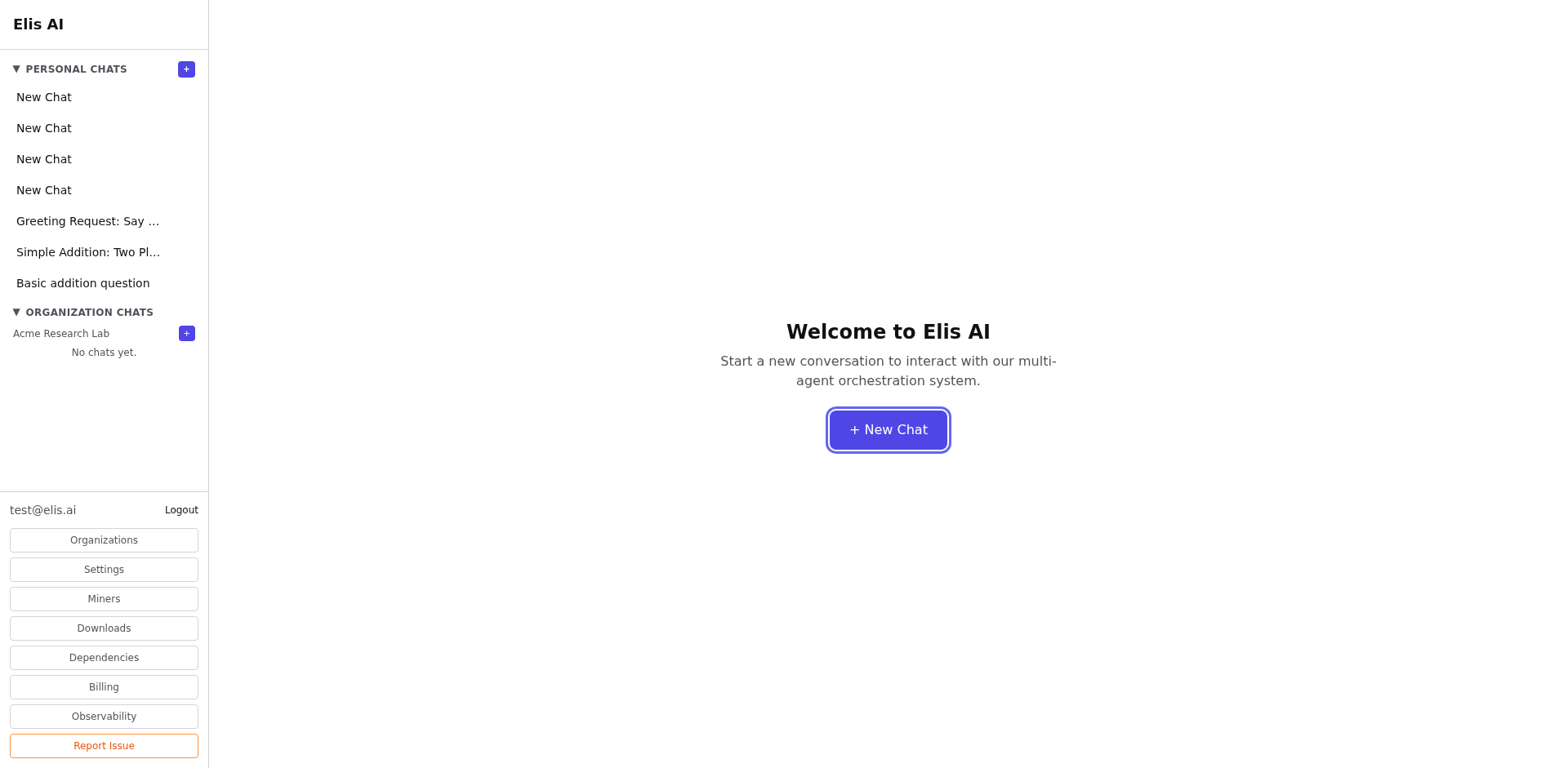
Open a new chat
Click the New Chat button at the top of the sidebar. A fresh conversation will open in the main panel.
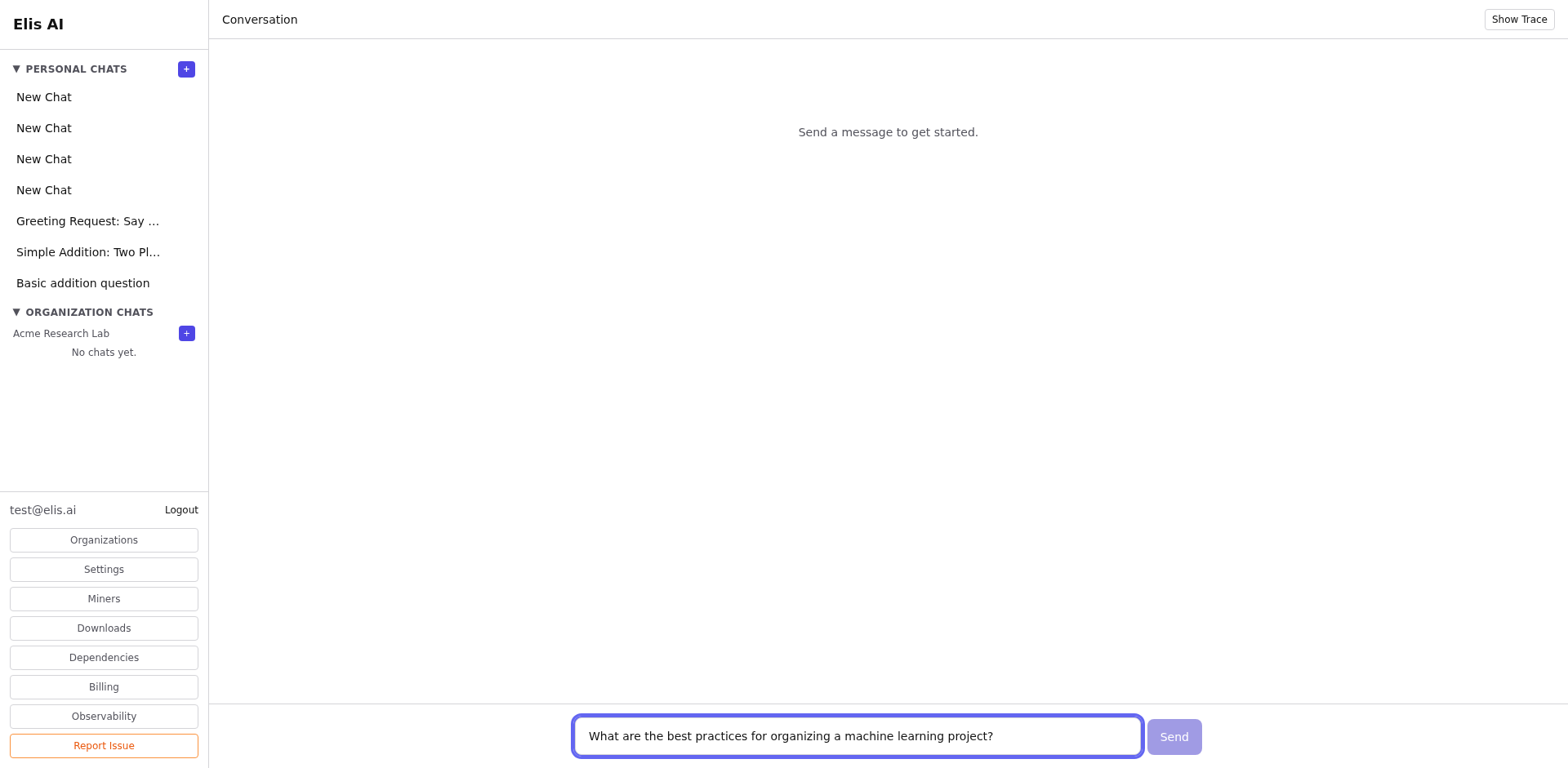
Type your prompt
Enter your question or task in the message input at the bottom. You can write anything — from simple questions to complex requests.
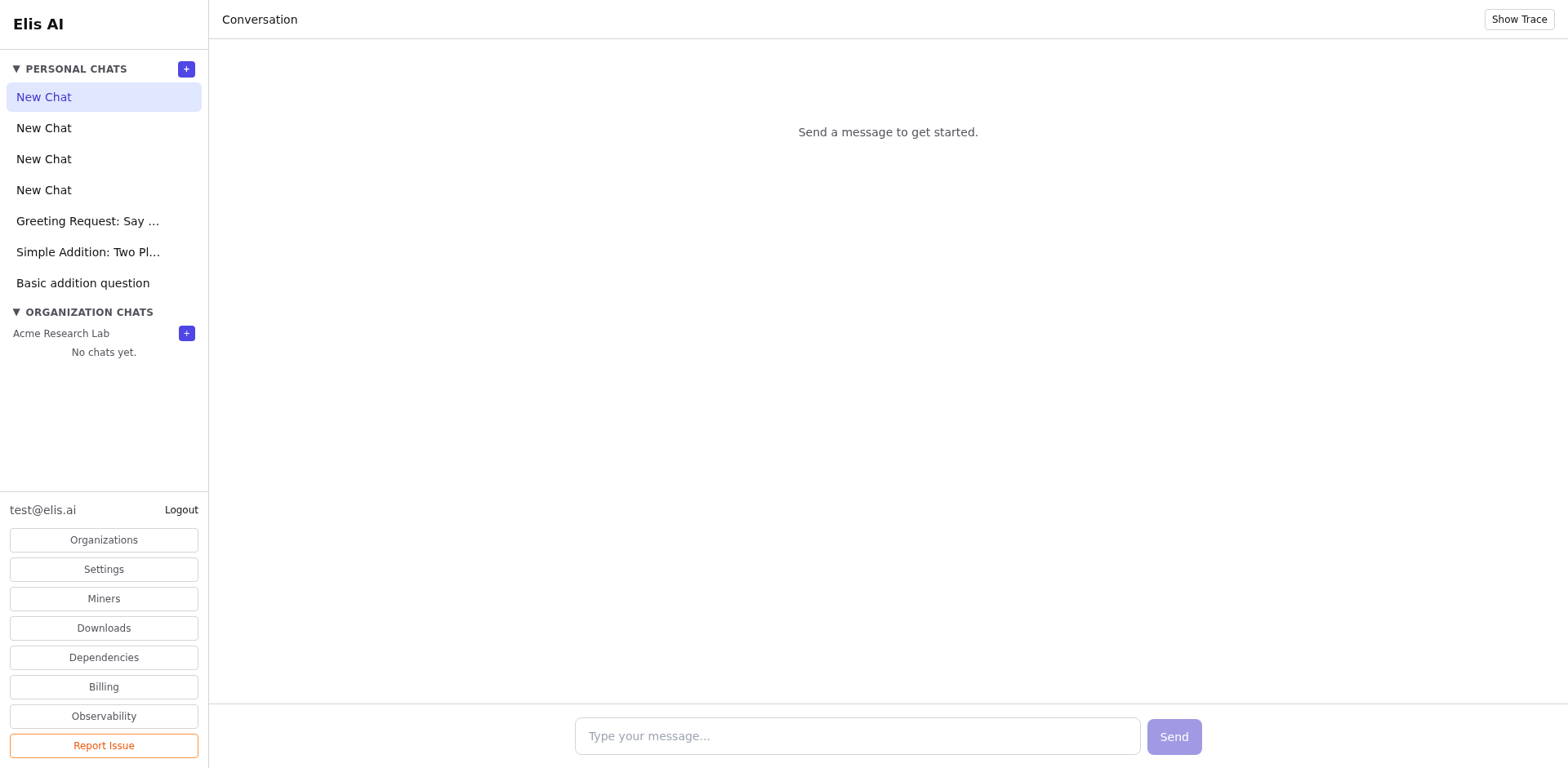
Send and watch the response stream
Press Enter or click the send button. The AI response will stream in token-by-token. The conversation is automatically saved in the sidebar.
Continue the conversation
Type a follow-up message to continue. Each conversation maintains full context so the AI remembers everything discussed.
Optional: turn off indexing for a chat
By default every conversation is indexed — embedded and added to your memory so later chats can recall it. For scratch work or sensitive topics you'd rather keep out of recall, click the 🧠 Indexing toggle in the chat toolbar (next to the speed-mode control). When it shows 🚫 No index, new messages in that chat skip embedding, fact extraction, and memory — the messages themselves are still saved and render normally. The setting is remembered per conversation.
