Tutorial
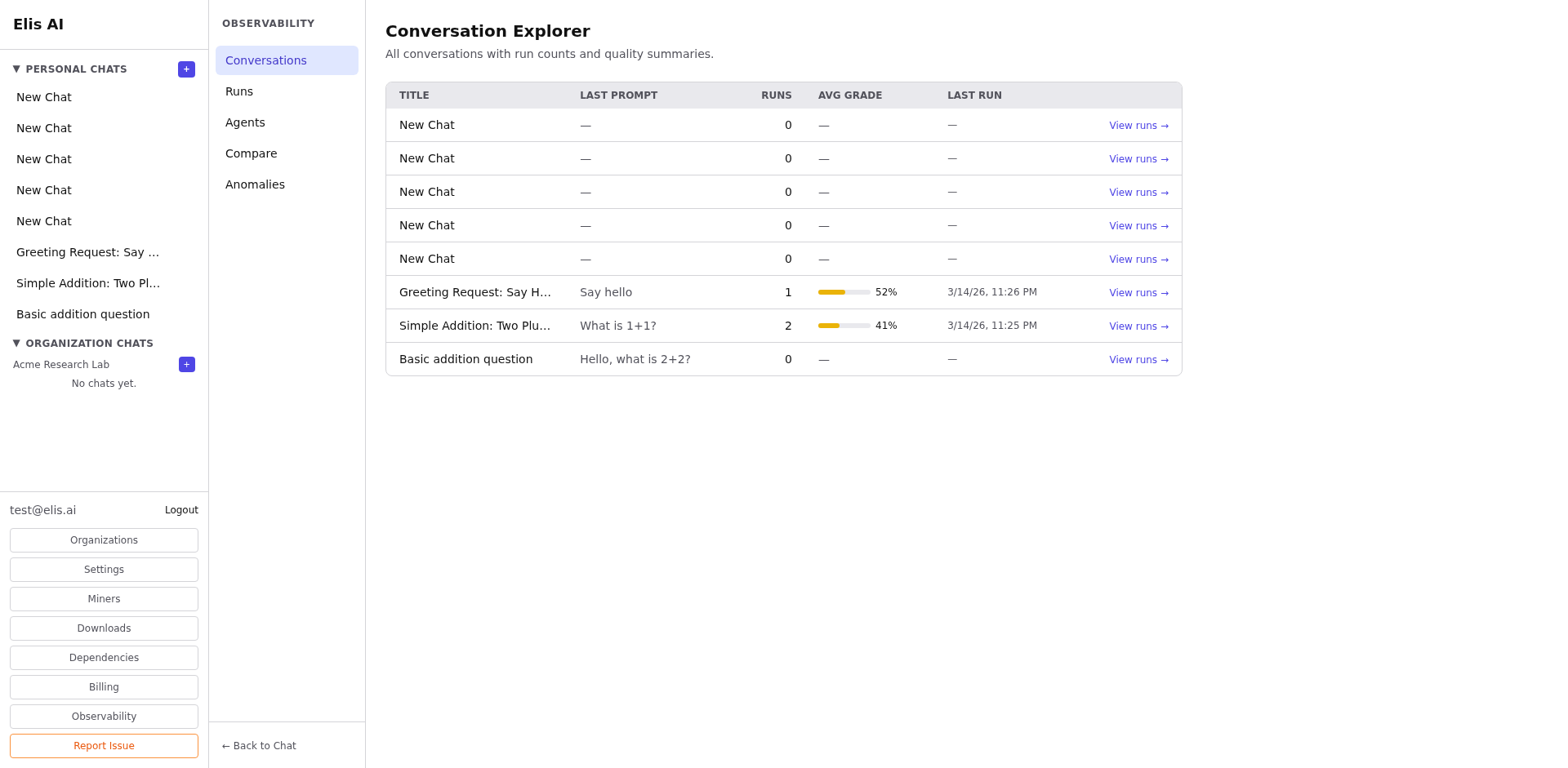
Conversation Explorer
Browse and filter conversations with run telemetry data.
1
Navigate to Observability
Click Observability in the sidebar, then select Conversations from the sub-navigation.
2
Filter conversations
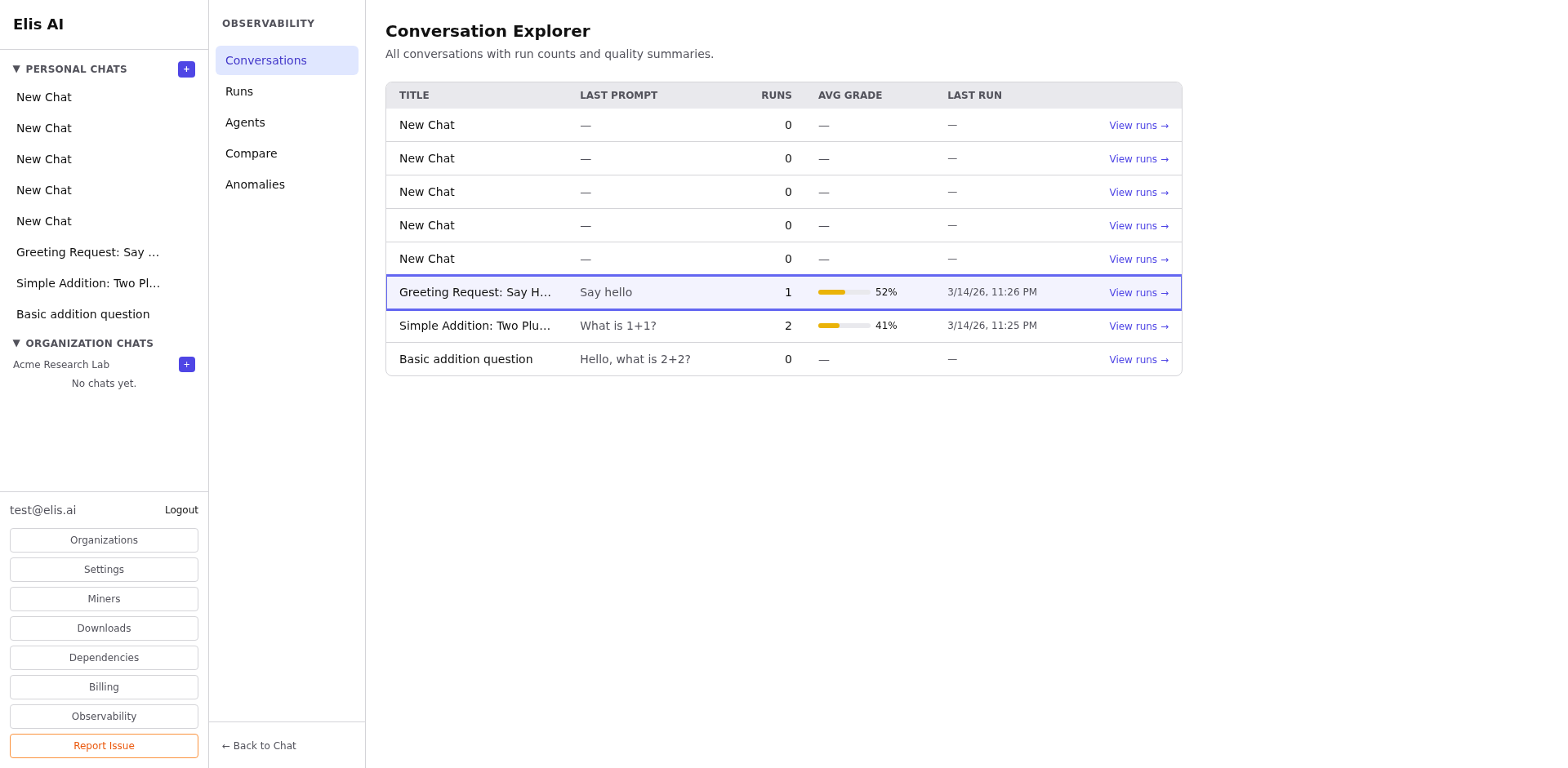
Use the search bar and filters to narrow by user, date range, or status. You can also filter by the number of runs or quality scores.
3
View conversation details
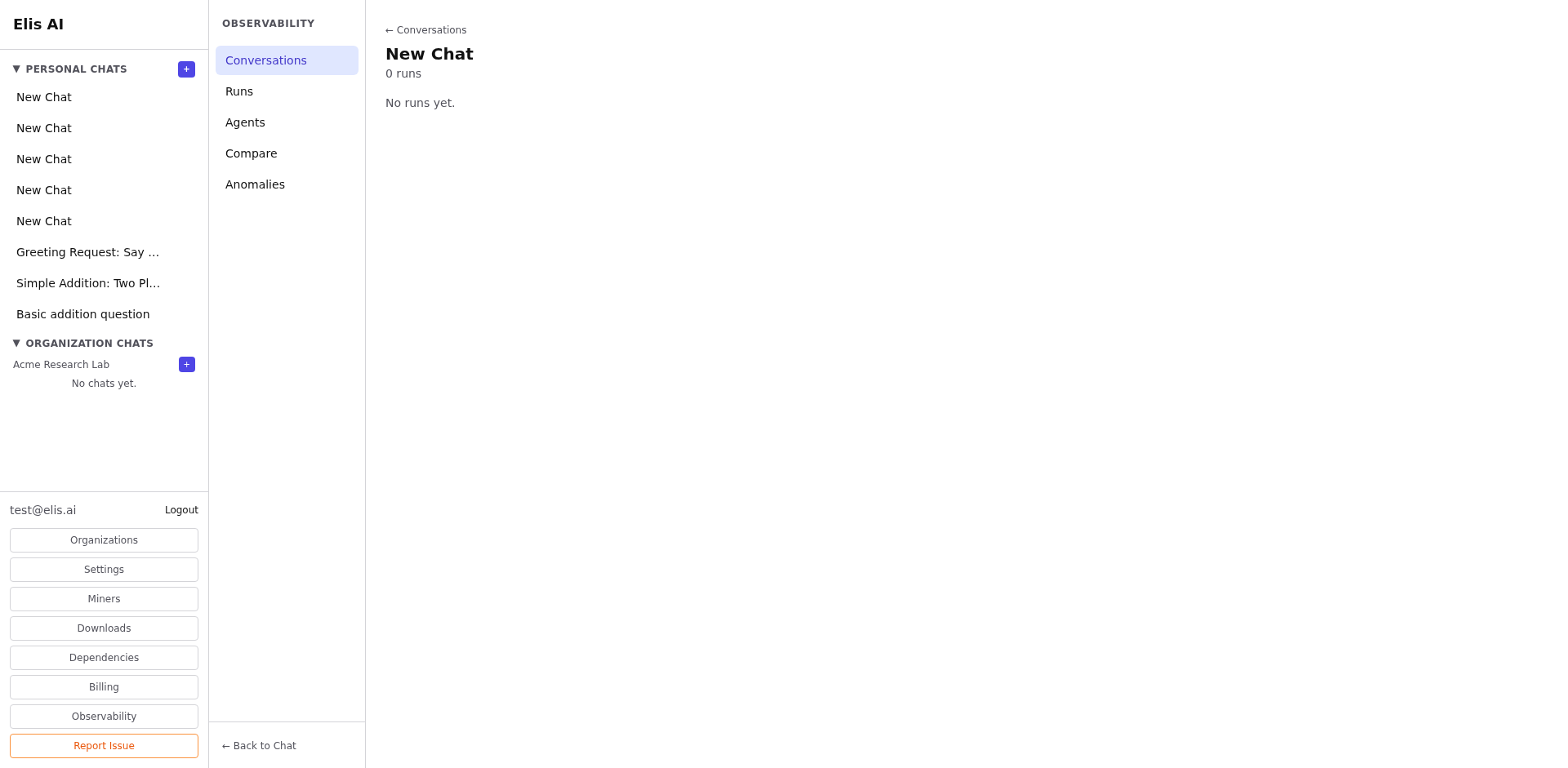
Click a conversation to see its full message thread, the number of runs generated, average grades, and run-level telemetry.
Tip:Use the conversation explorer to find low-scoring conversations and diagnose routing or agent issues.