Add an Agent (Observability)
Manually create an organization agent — generate a template or author a custom one, attach a step-set, and have it run automatically.
Agents are normally matched to a prompt automatically — the orchestrator picks the best existing expert. Sometimes you want to author one deliberately: a purpose-built expert for a known workflow. The Add Agent flow in your organization's Observability section does exactly that, and the agent it creates is scoped to your org and used at run time.
Open Observability → Agents
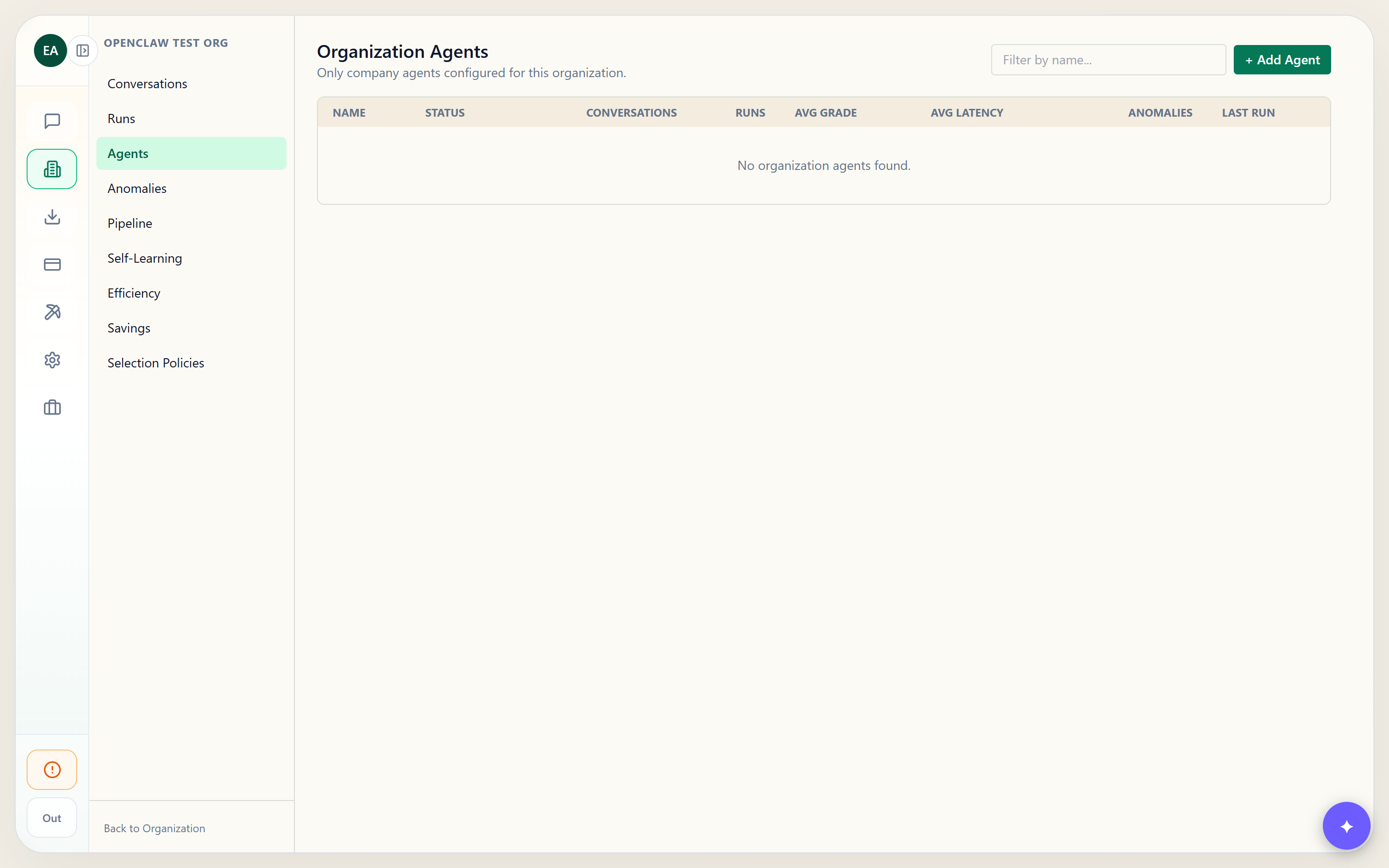
In your organization, open Observability → Agents. The page lists your org's agents with their conversation counts, run counts, average grade, latency, and anomalies. Click + Add Agent in the top-right to open the dialog.
Describe the agent, then choose how to build it
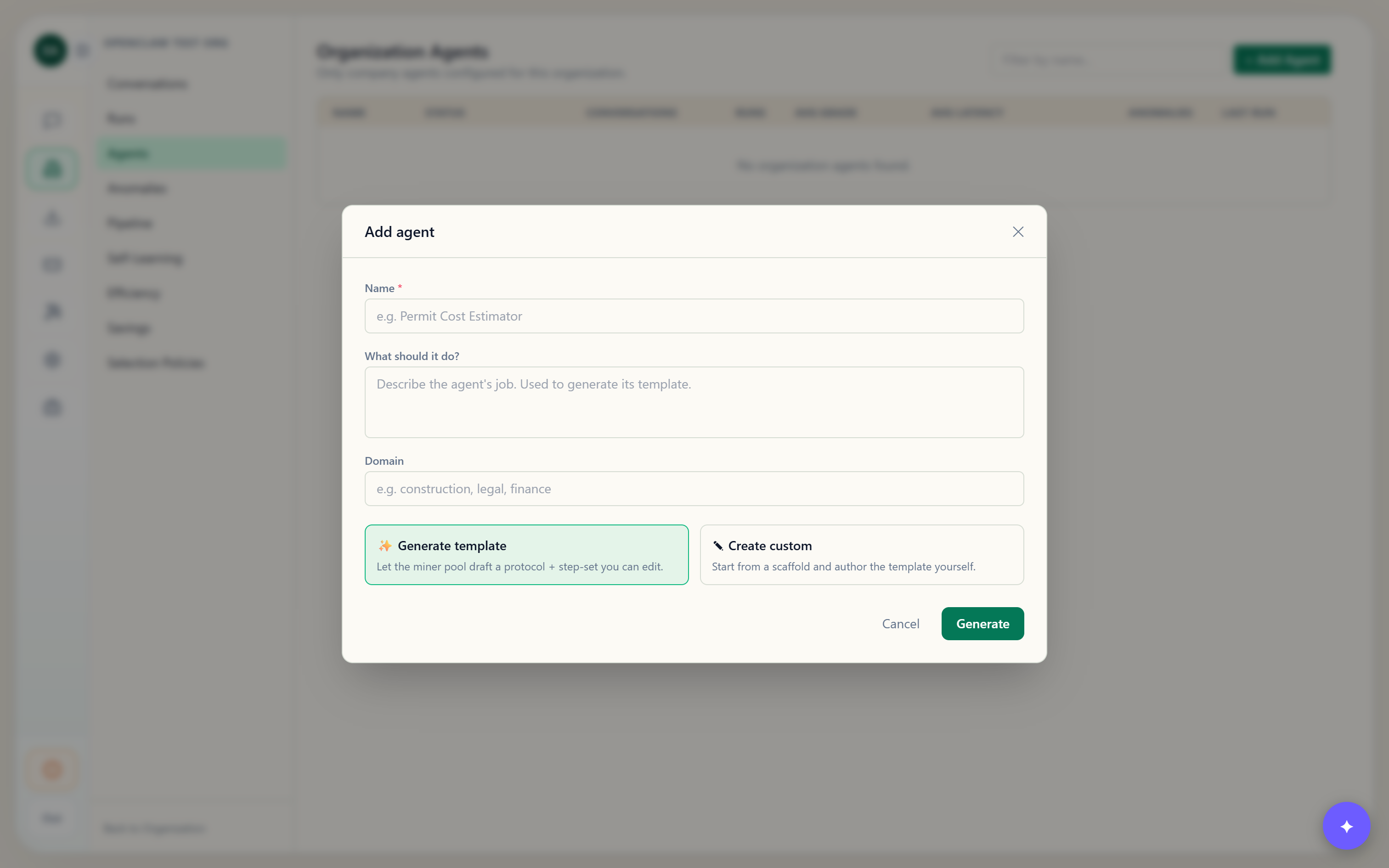
Give the agent a name, a short description of what it does, and a domain (e.g. construction, legal, finance). Then pick one of two paths:
- ✨ Generate Template — the miner pool drafts a full prompt protocol (template text + a step-set) from your description.
- ✎ Create Custom — start from a small scaffold and author the template yourself.
Generate a template (miner-pool drafted)
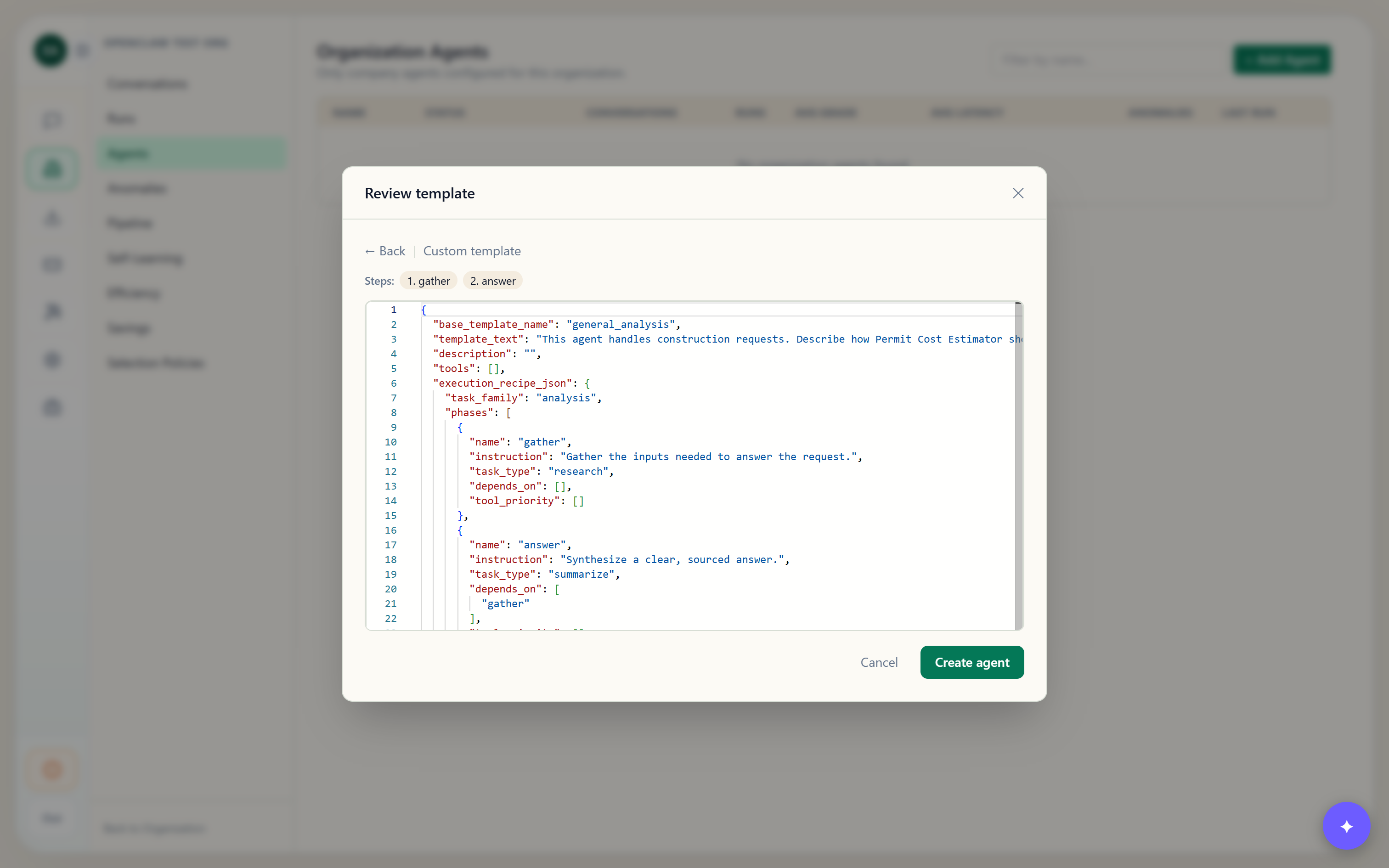
Choosing Generate dispatches an LLM through the miner pool to write the template — including an execution_recipe of phases (the step-set). No model is ever hard-pinned: the pool binds the best available model for the tier, and the tokens are metered to your organization like any other run. The draft opens in the editor for review.
Or author a custom template + step-set
Choosing Create Custom opens the editor on a starter contract. Edit the JSON directly — the execution_recipe_json.phases array is the step-set: each phase has a name, an instruction, a task_type, and depends_on (leave it empty for phases that can run in parallel). The step chips above the editor preview the phases as you type.
{
  "base_template_name": "general_analysis",
  "template_text": "Estimate permit costs from the project scope and local fee schedules.",
  "execution_recipe_json": {
    "task_family": "calculate",
    "phases": [
      { "name": "gather_scope", "instruction": "Collect the project scope and jurisdiction.",
        "task_type": "research", "depends_on": [] },
      { "name": "estimate", "instruction": "Compute the permit cost from the fee schedule.",
        "task_type": "calculate", "depends_on": ["gather_scope"] }
    ]
  }
}
Save — the agent is created, org-scoped
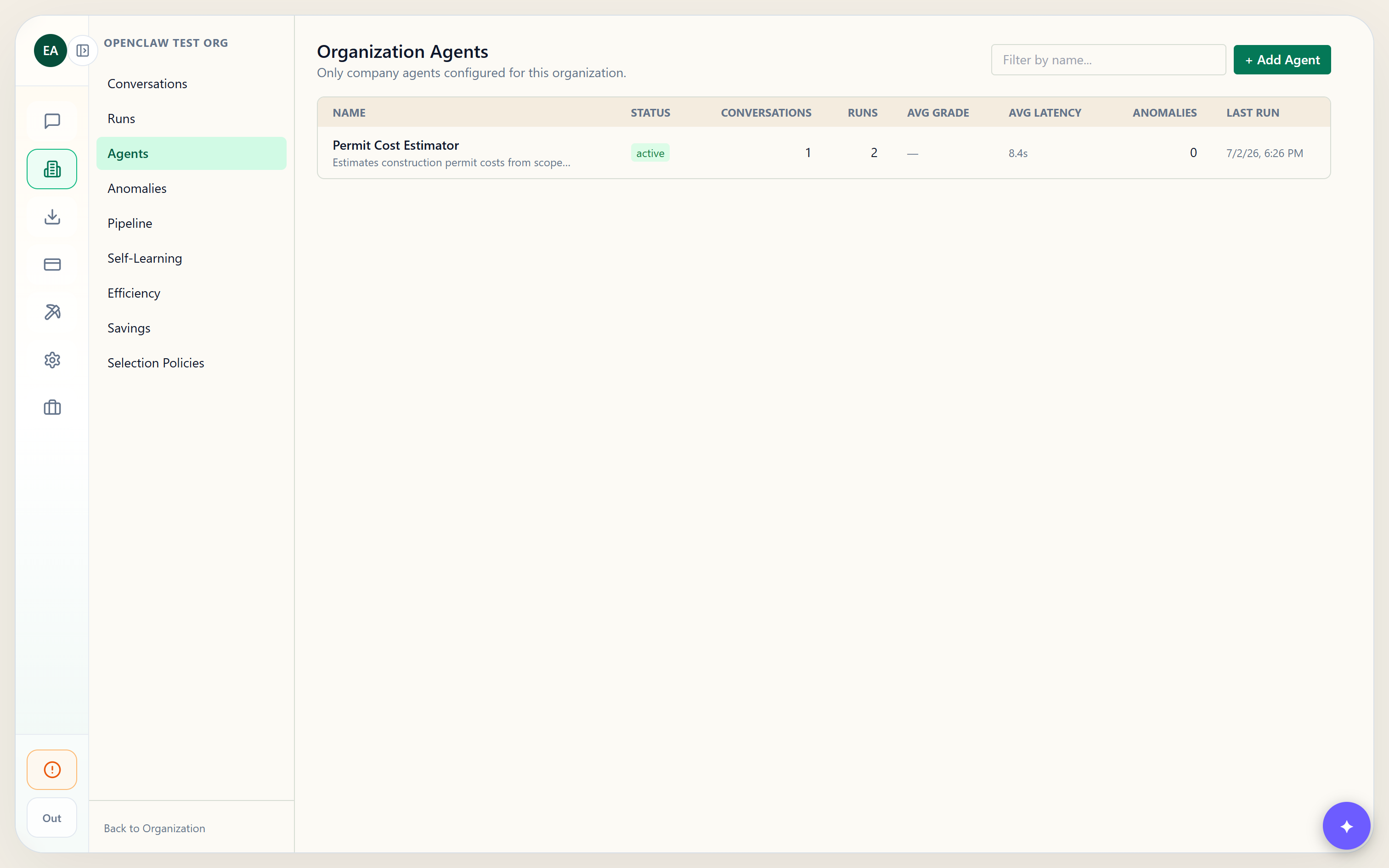
Clicking Create agent persists three linked records: the org-scoped expert, its version-1 template (holding the step-set), and the Observability-visible agent linked to it. The new agent appears at the top of the Agents list immediately, and its run counts, grade, and latency fill in as it's used.
Use it: open a conversation with the agent
When you start a conversation with this company agent, the orchestrator pins it — it runs your authored template directly instead of dynamically matching a different expert. Even a brand-new agent with no run history is honored. Open the Run Detail view and check the Decision Trace to confirm your agent and its step-set drove the run.
agent/template parameters on the OpenAI-compatible /api/v1 chat completions endpoint — two ways to force a specific expert, same mechanism.