Managing Miners
Monitor and control the miners attached to your account.
View your miners table
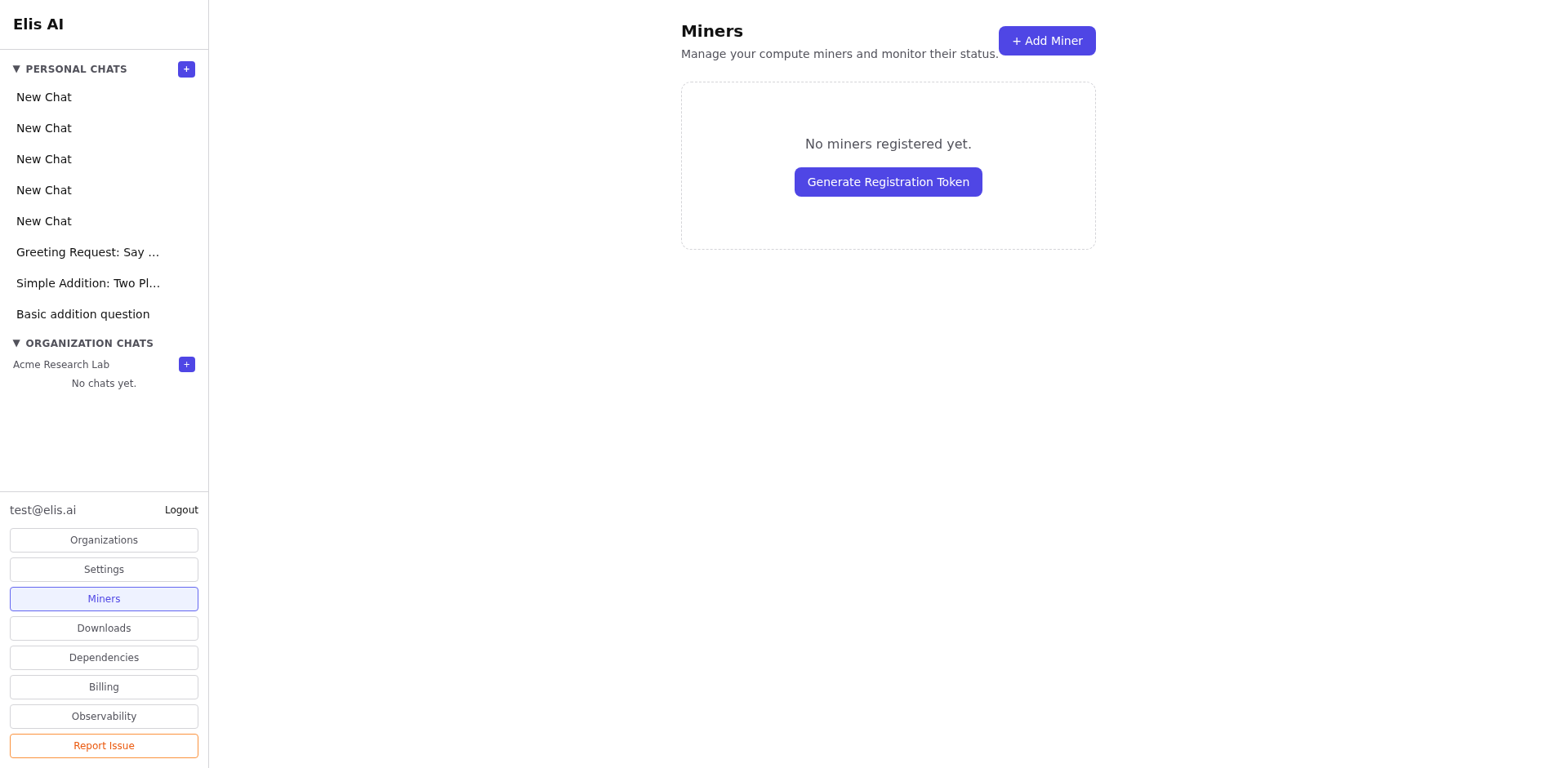
Click Miners in the sidebar to see the miners attached to your account, along with their status, model, throughput, and heartbeat health.
Filter the table
Use the search box and filters to narrow the table by miner name, model, status, trust tier, or registration state. This helps when you are operating multiple workers and want to separate awaiting-validation miners from active ones.
Enable or disable a miner
Select one or more miners with the checkboxes and disable them when you need to drain traffic, pause maintenance, or take a worker offline. Re-enable a disabled miner from its row actions.
Review details
Open an individual miner to inspect recent sessions, assignments, latency, and usage events. This is the quickest way to diagnose a worker that is slow, offline, or unstable. From the detail view you can also Unclaim ownership when you need to release a machine from your account (use with care).