Tutorial
Agent Directory & Detail
Search agents, view stats, and explore mutations and variants.
1
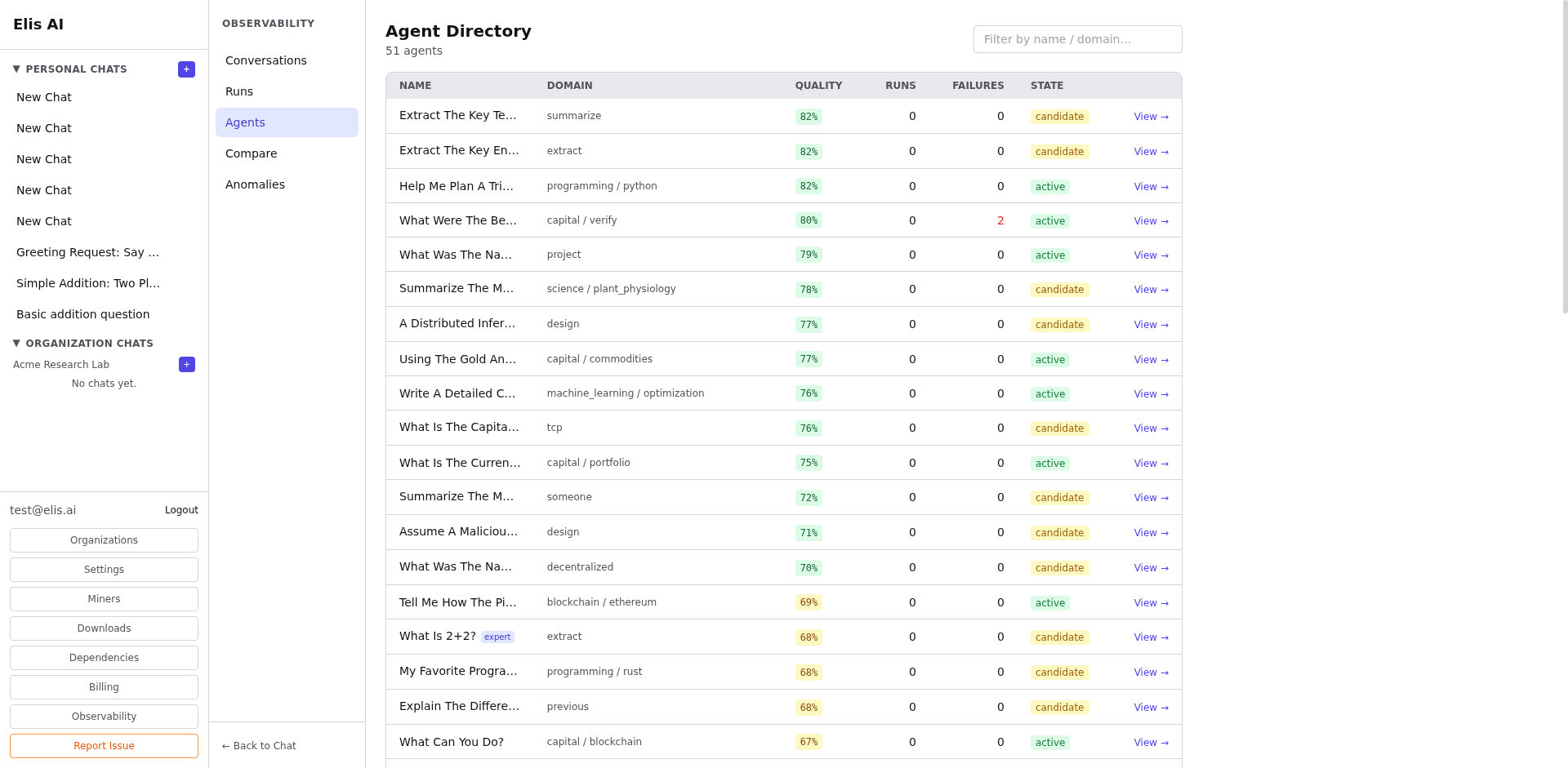
Open the Agents page
Click Agents under Observability in the sidebar. The directory lists all registered agents with their topics, quality scores, and run counts.
2
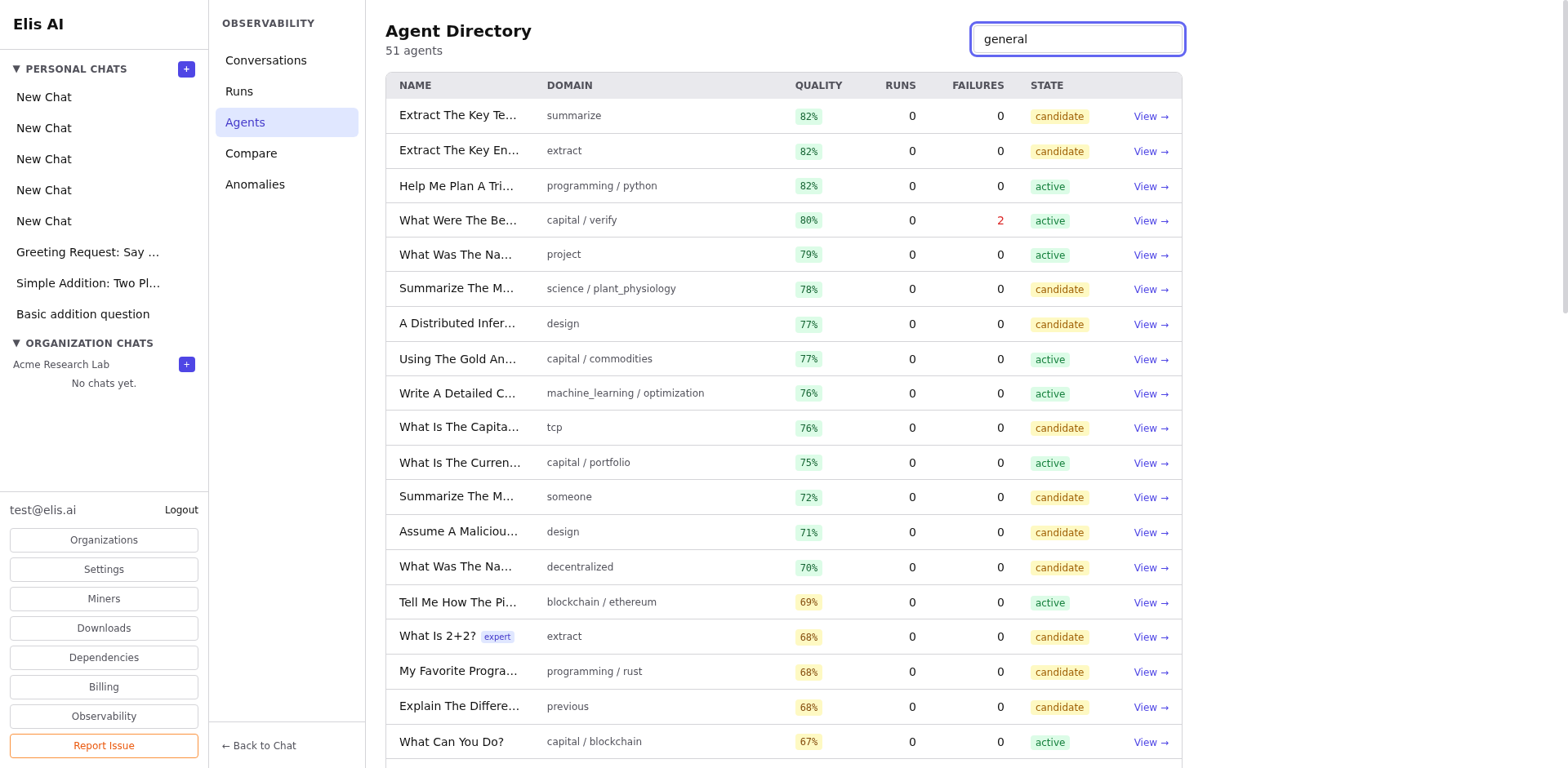
Search and filter
Use the search bar to find agents by name or topic. Filter by quality range or version number.
3
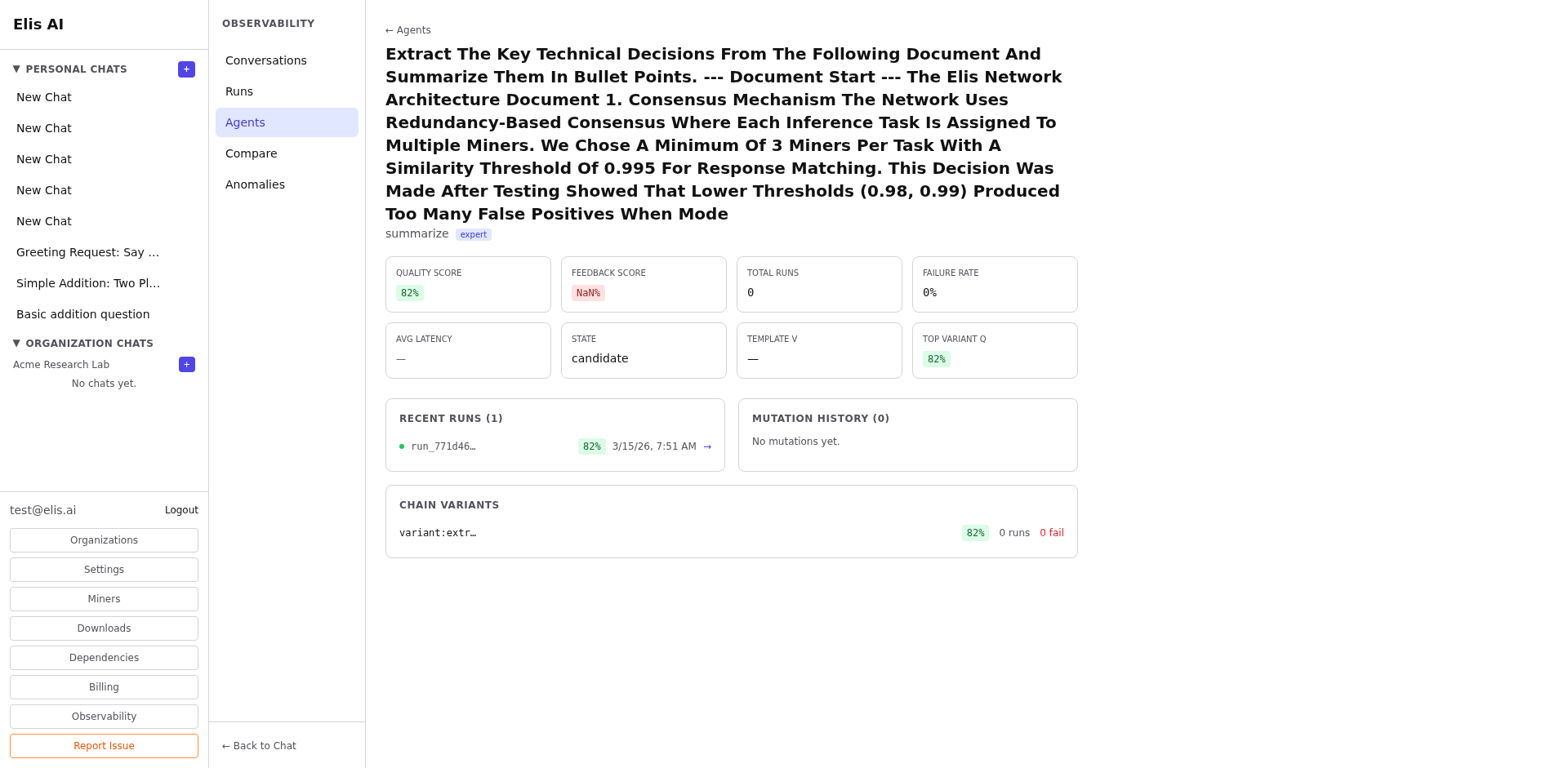
View agent details
Click an agent to see its full configuration: workflow steps, tool bindings, knowledge base references, quality history, and mutation lineage.
4
Explore mutations
The Mutations tab shows the agent's evolution — each version change, what was modified, and the resulting quality delta.
Tip:Agents with declining quality scores may need their workflow steps reviewed. Use the mutation history to understand what changed.