Tutorial
Downloads
Download the packaged miner builds and use them with the current pairing flow.
1
Navigate to Downloads
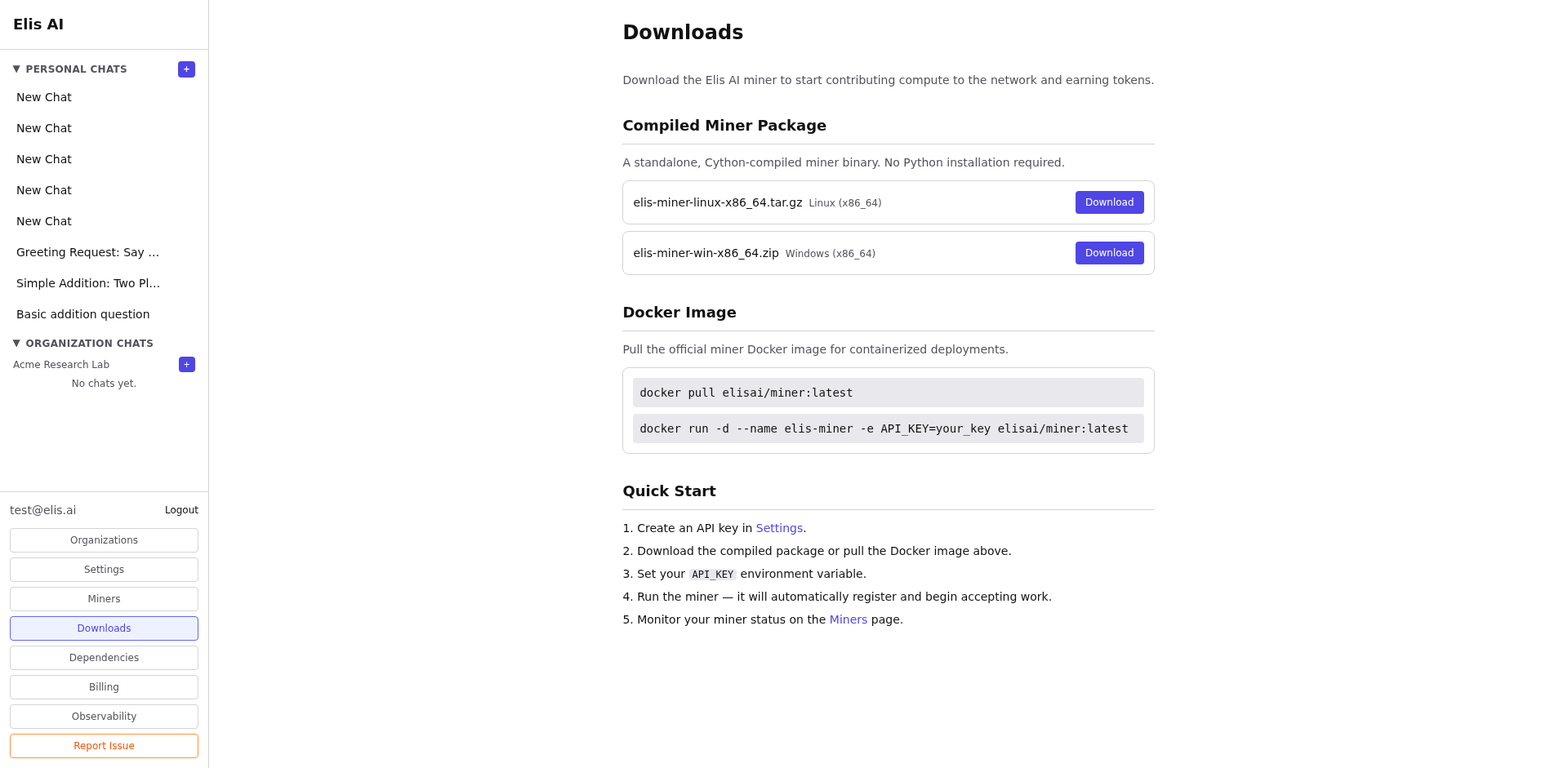
Click Downloads in the sidebar. The page lists the Linux Docker image tarball and the Windows standalone miner package.
2
Choose your package
Select the package that matches your platform. The Linux download is a Docker image tarball, and the Windows download includes app.py,run.bat, and a matching .env.template.
docker load < elis-miner-linux-x86_64.tar.gz
3
Follow the quick start
Each package includes a quick-start guide. For tryelisai.com, set BACKEND_URL=https://api.tryelisai.com in .env (HTTPS, no /api suffix). Set MODEL_NAME to a catalog model, optionally add MINER_REGISTRATION_TOKEN from Miners → Add Miner, start the miner, then paste the printed pairing key into the dashboard. Full walkthrough: Setting Up a Miner.
Tip:Use the Linux Docker image when you want the most reproducible setup, and use the Windows package when you want a local Python-based launcher.