Dedicated Hosting, Enterprise Controls, and Lifecycle Operations
This guide documents every new enterprise and dedicated-hosting feature now available in the frontend, plus backend API samples so engineering, customer success, and operations teams are aligned on rollout behavior.
1) Dedicated Rollout Flow
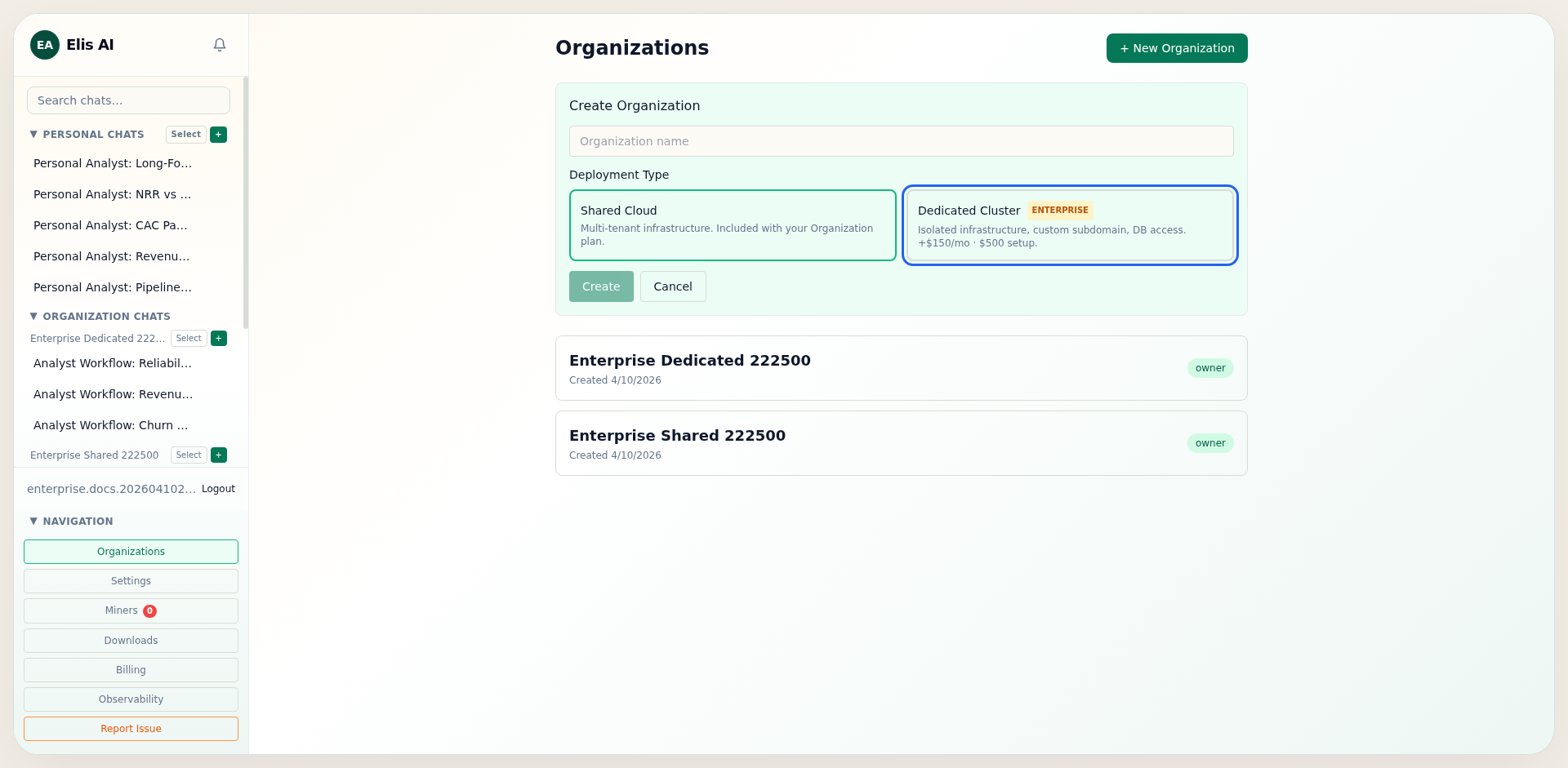
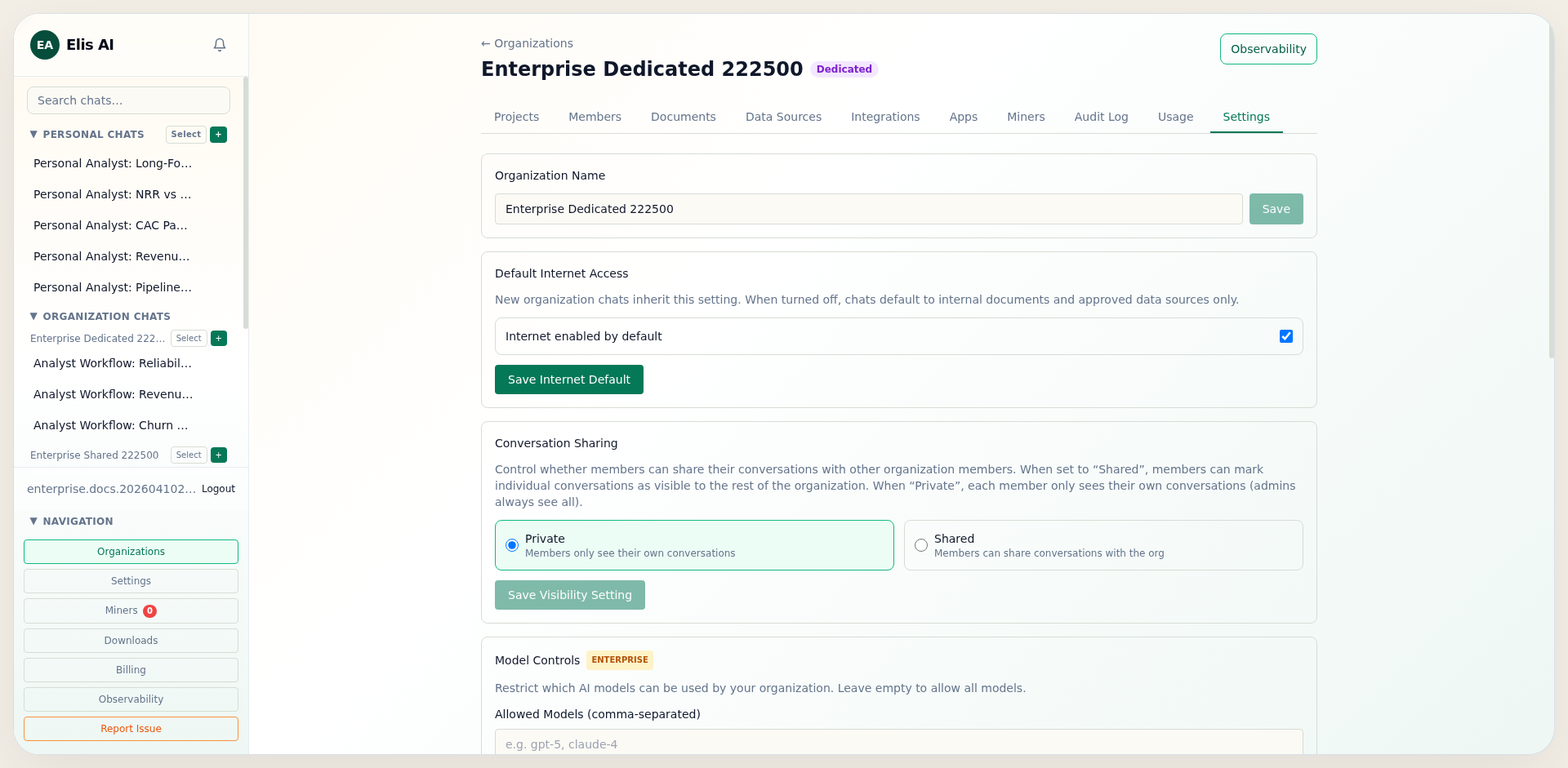
The dedicated flow is now selectable at organization creation and can also be activated later from organization settings. The frontend flow is:
- Create org with deployment type shared or dedicated.
- Activate organization subscription (seat blocks) from the Members tab.
- Start dedicated checkout from Settings.
- Confirm checkout callback and monitor cluster status card.
POST /api/companies/{company_id}/billing/dedicated/checkout
{}

-> 200
{
  "session_id": "cs_test_...",
  "checkout_url": "https://checkout.stripe.com/..."
}
2) Enterprise Controls (BYOK, BYOA, Models, Domains)
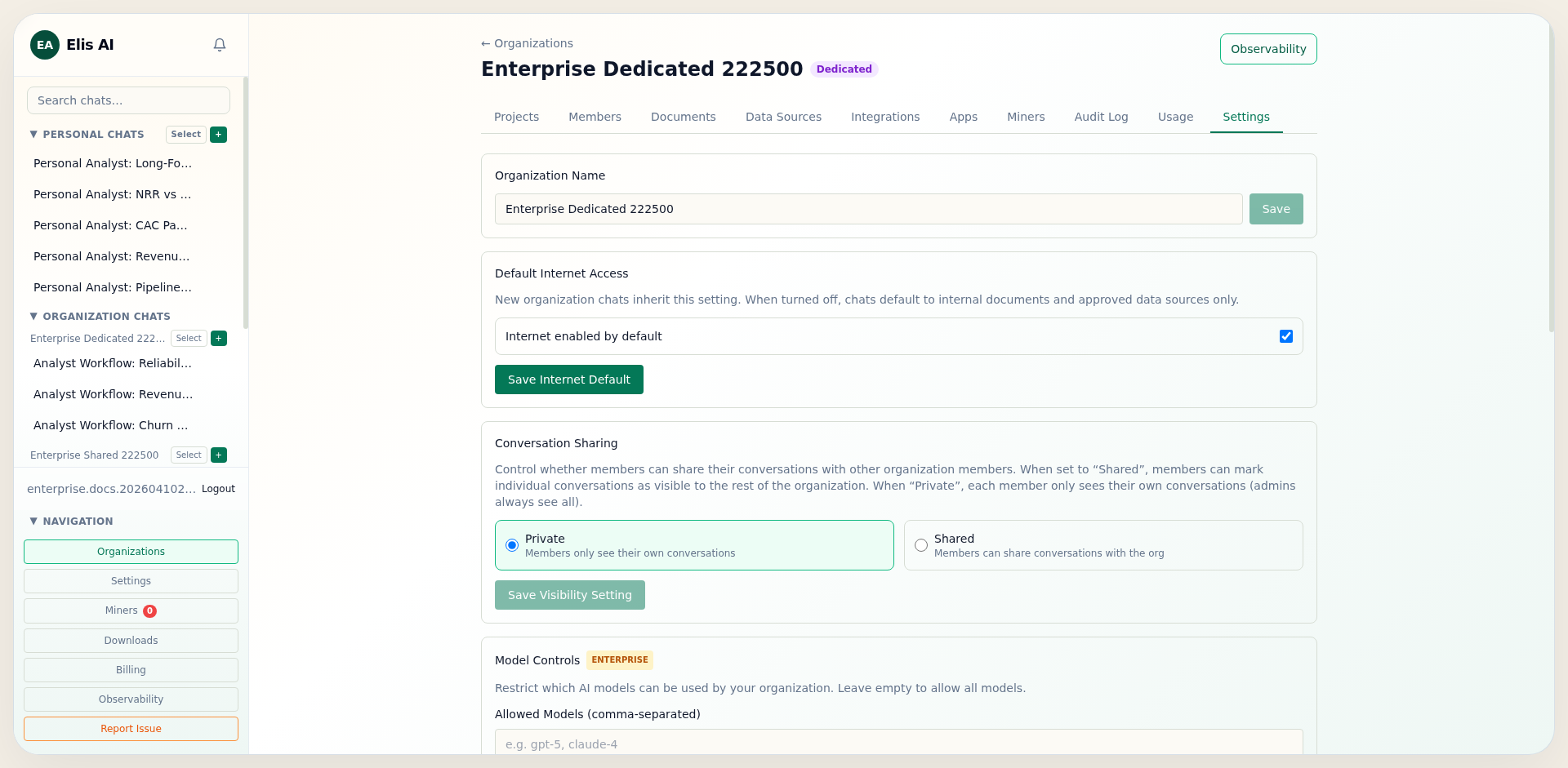
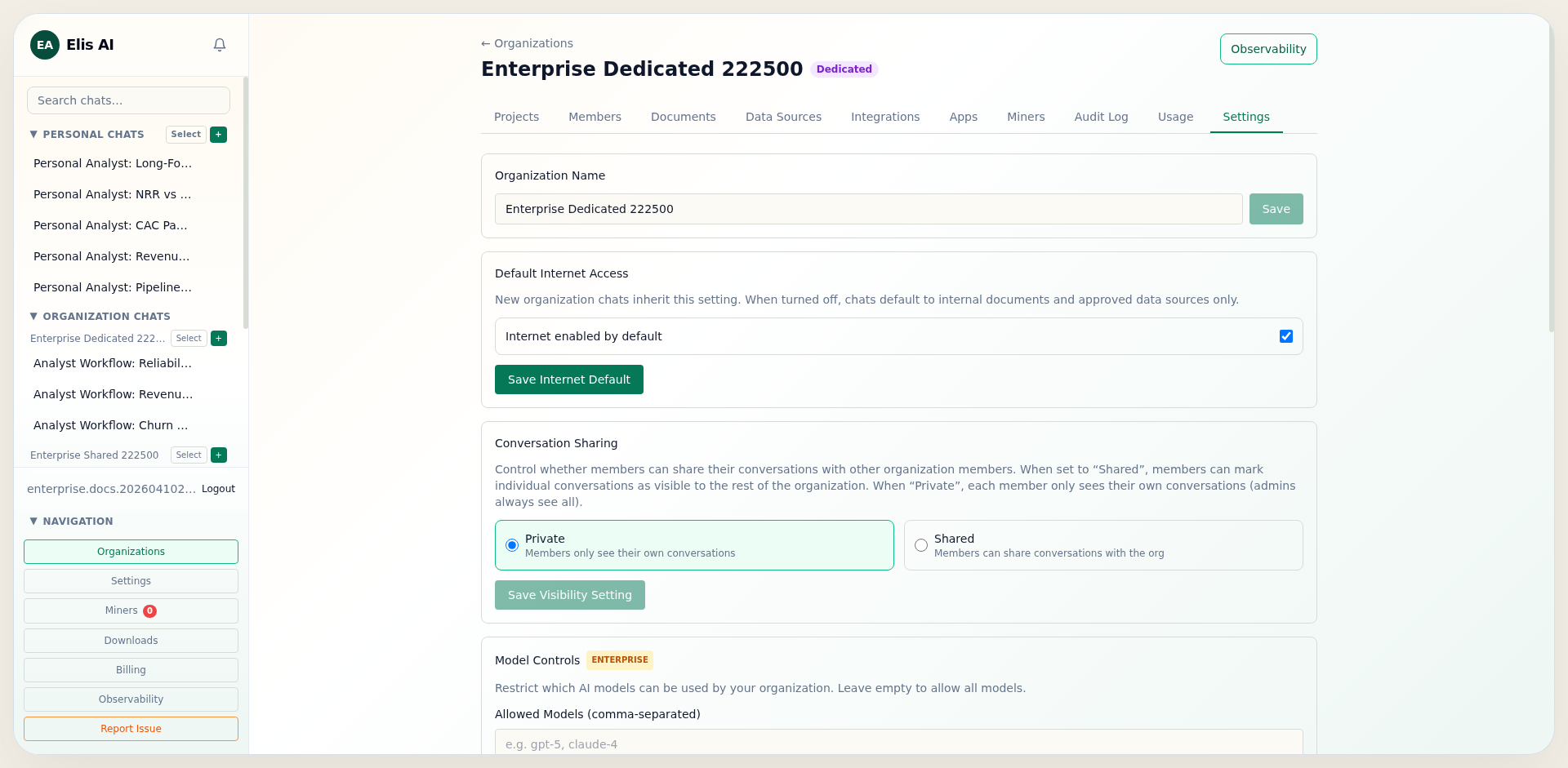
Dedicated organizations can enforce stricter compliance posture by controlling credentials, model availability, and outbound web resource scope.
- BYOK: Store organization-owned model provider API keys. Runs on your own keys are billed a savings-share fee, debited from the organization wallet.
- Custom REST providers: Connect any AI provider with a REST API — name, base URL, and key. The platform auto-detects the auth scheme and wire format, discovers the models, and adds them as org-scoped BYOK miners. See the Custom REST Providers tutorial.
- BYOA: Configure organization OAuth client credentials per provider.
- Model controls: Use
allowed_modelsandblocked_models. - Domain allowlist: Restrict web tooling to approved hostnames only.
PUT /api/companies/{company_id}
{
  "settings": {
    "allowed_models": ["gpt-5-mini", "gpt-5"],
    "blocked_models": ["gpt-4o-mini"],
    "web_domain_allowlist": ["example.com", "docs.example.com"]
  }
}
3) Organization-Dedicated Miners
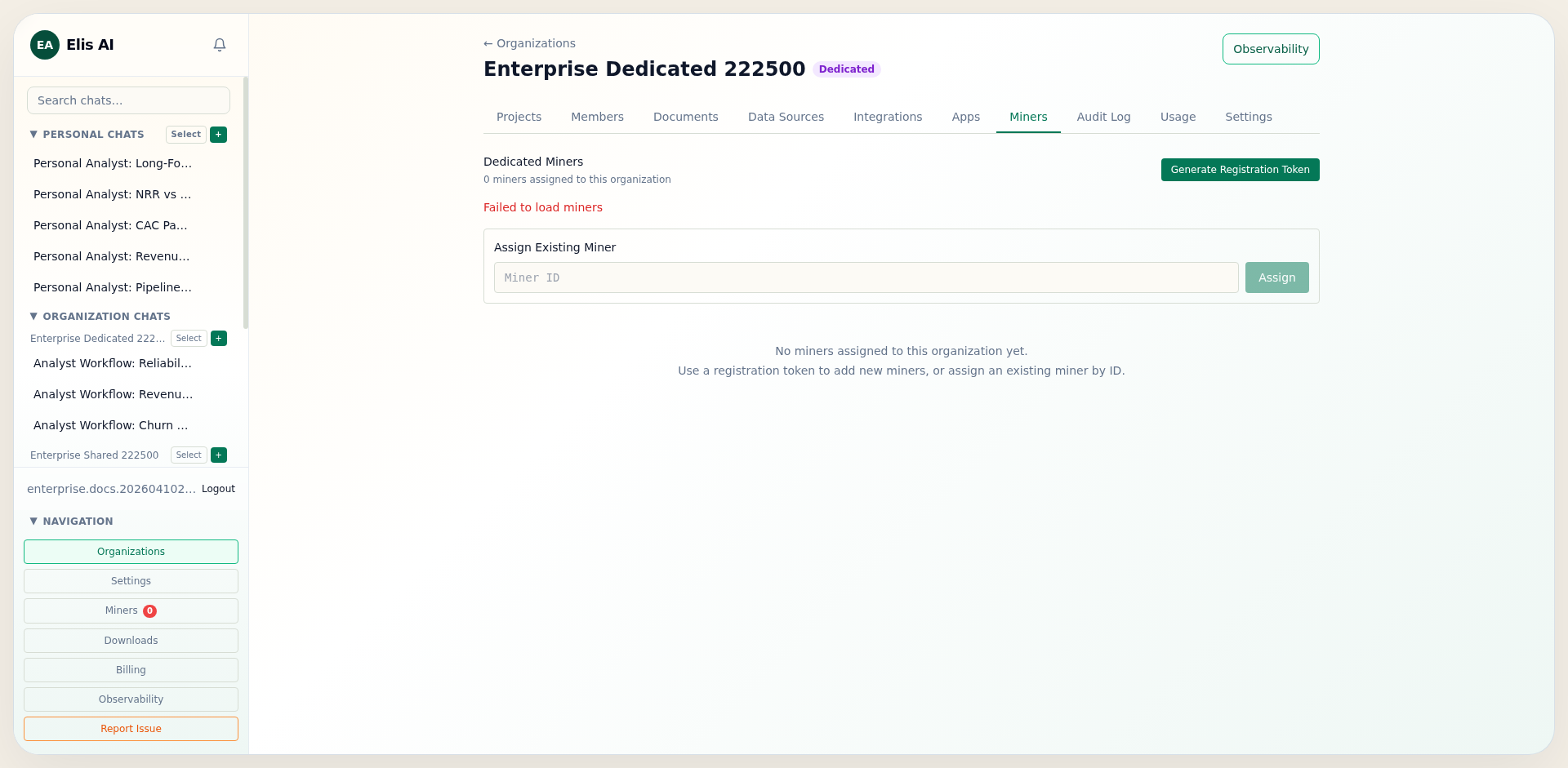
Dedicated organizations can assign miners directly and optionally hard-enforce org-only miner usage with dedicated_miners_only.
- Generate an org-scoped registration token from the target company.
- Point the miner BACKEND_URL at the dedicated or on-prem API origin.
- Assign the miner to the company and enable Dedicated Miners Only.
- With that setting enabled, runtime dispatch does not fall back to community/shared miners.
POST /api/companies/{company_id}/miners/registration-token
{ "expires_hours": 24 }

-> 201
{
  "raw_token": "mreg_...",
  "expires_at": "2026-04-11T20:00:00Z"
}
4) Safeguards and Recovery
The platform now includes tenant and lifecycle guardrails that protect dedicated organizations from misuse and lockout scenarios:
- Organization creation caps per user to prevent seat abuse.
- Token-to-company claim enforcement (
token_company_mismatch). - Owner transfer and system-admin ownership override for recovery.
- Grace-mode write blocking for delinquent dedicated subscriptions.
HTTP 403
{ "error": "token_company_mismatch" }

HTTP 402
{
  "error": "cluster_in_grace_mode",
  "grace_expires_at": "2026-07-10T00:00:00Z"
}
5) Billing Lifecycle, Export, and Exit
Stripe lifecycle events update subscription and cluster status, and operations runbooks define export and decommission procedures for offboarding windows.
Stripe events handled:
- checkout.session.completed
- customer.subscription.updated
- customer.subscription.deleted
- invoice.payment_failed

Cluster lifecycle states:
provisioning -> active -> grace -> decommissioned
# Provision dedicated infrastructure
./deploy-dedicated.ps1 -CompanySlug acme -AdminEmail admin@acme.com
# Export + teardown when lifecycle window ends
./teardown-dedicated.ps1 -CompanySlug acme -ExportDatabase